Flow Service 2.0: Water features that stay just right

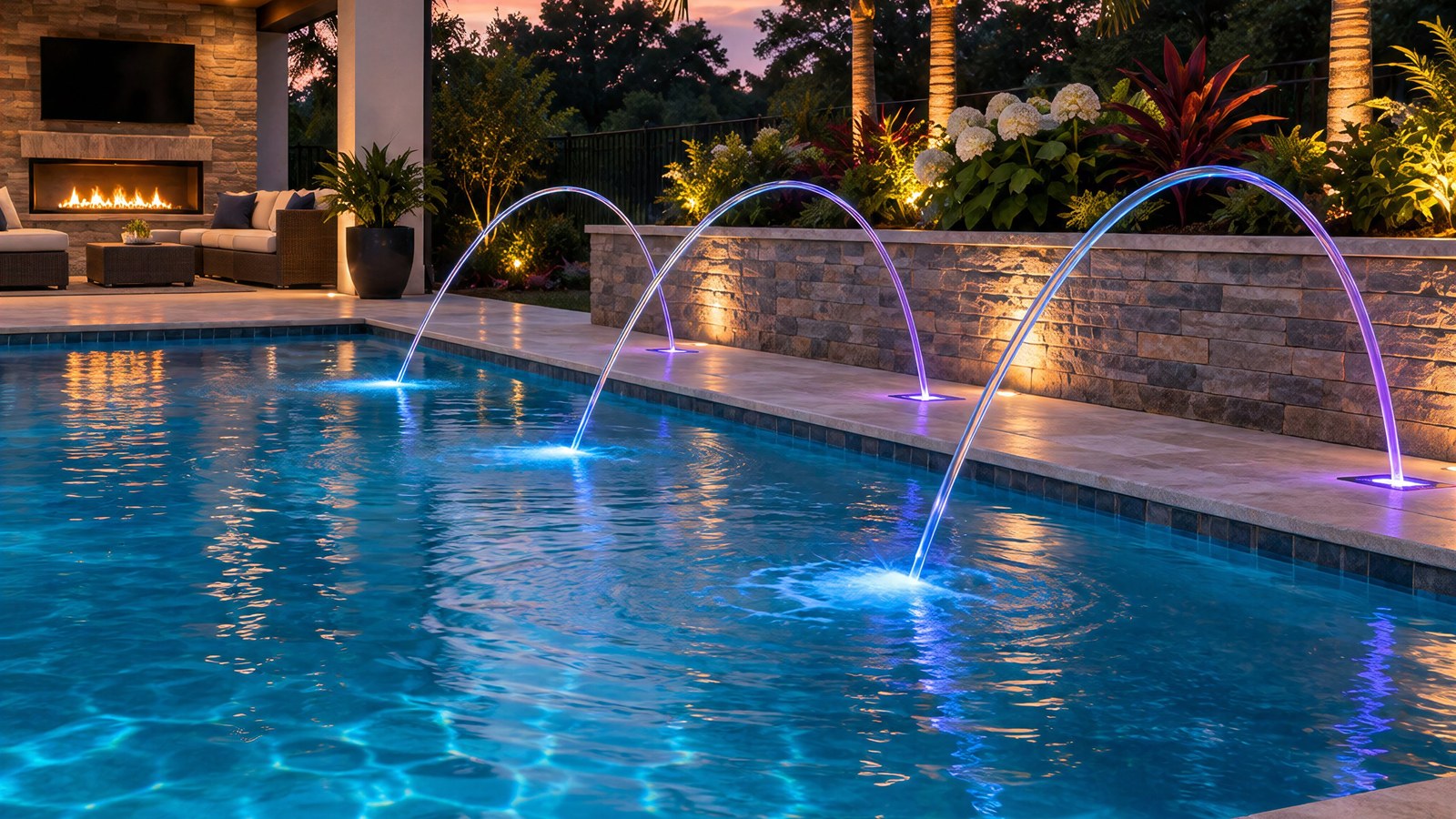
Table of contents
Spread the word
Water features are the showpiece of the backyard, but anyone who has owned or serviced a pool with them knows how tricky they are to keep just right. Most water features share a pump with other equipment. So when the heater turns on, or another feature changes, the pump speeds up and every feature on that pump changes with it. A gentle bubbler becomes a geyser, and laminars shoot right past the pool.
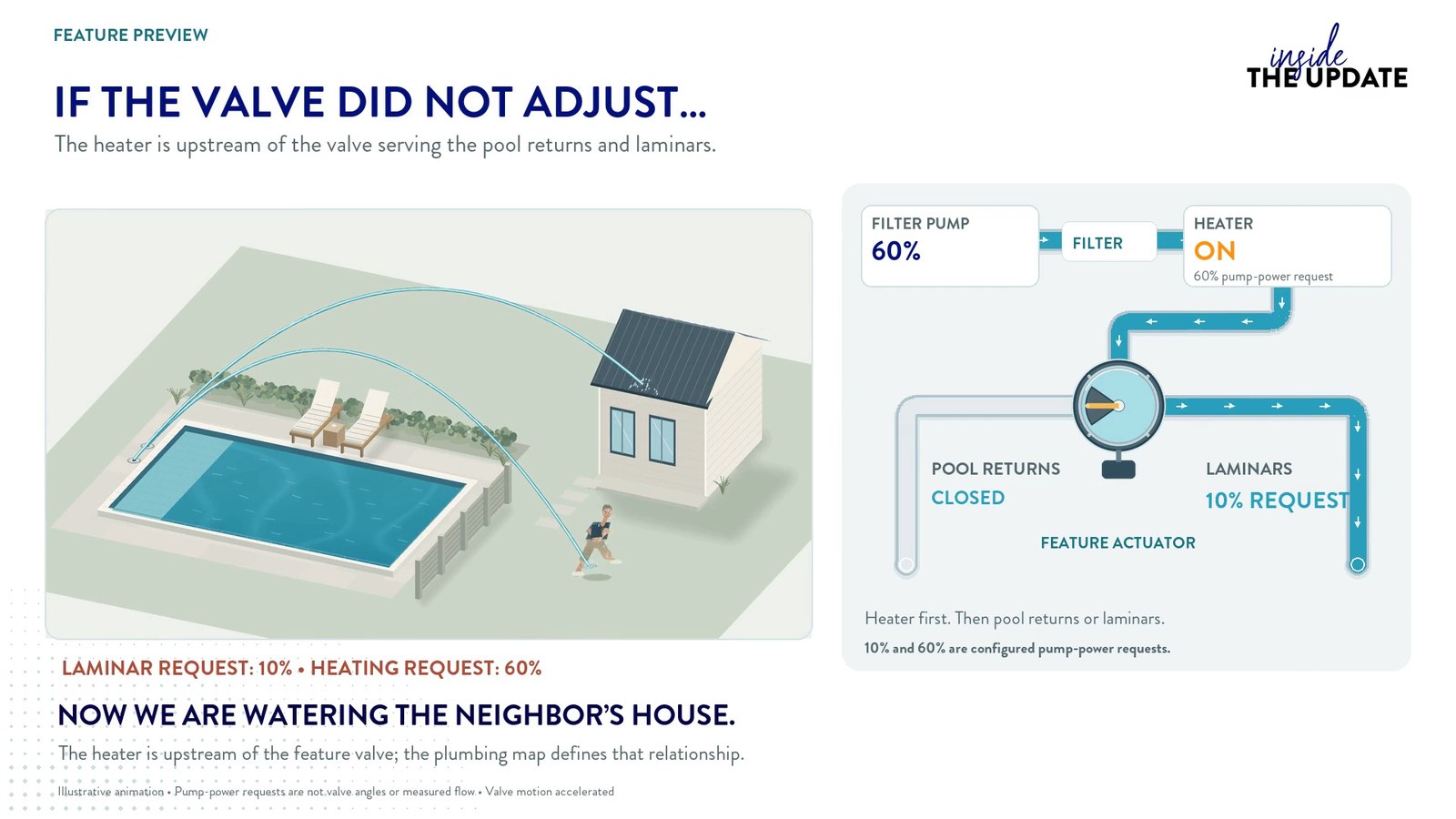
The team at Poolside Tech is pleased to introduce Flow Service 2.0 for The Attendant. It coordinates your pump and valves together, so each water feature stays the way you set it, no matter what else is running.
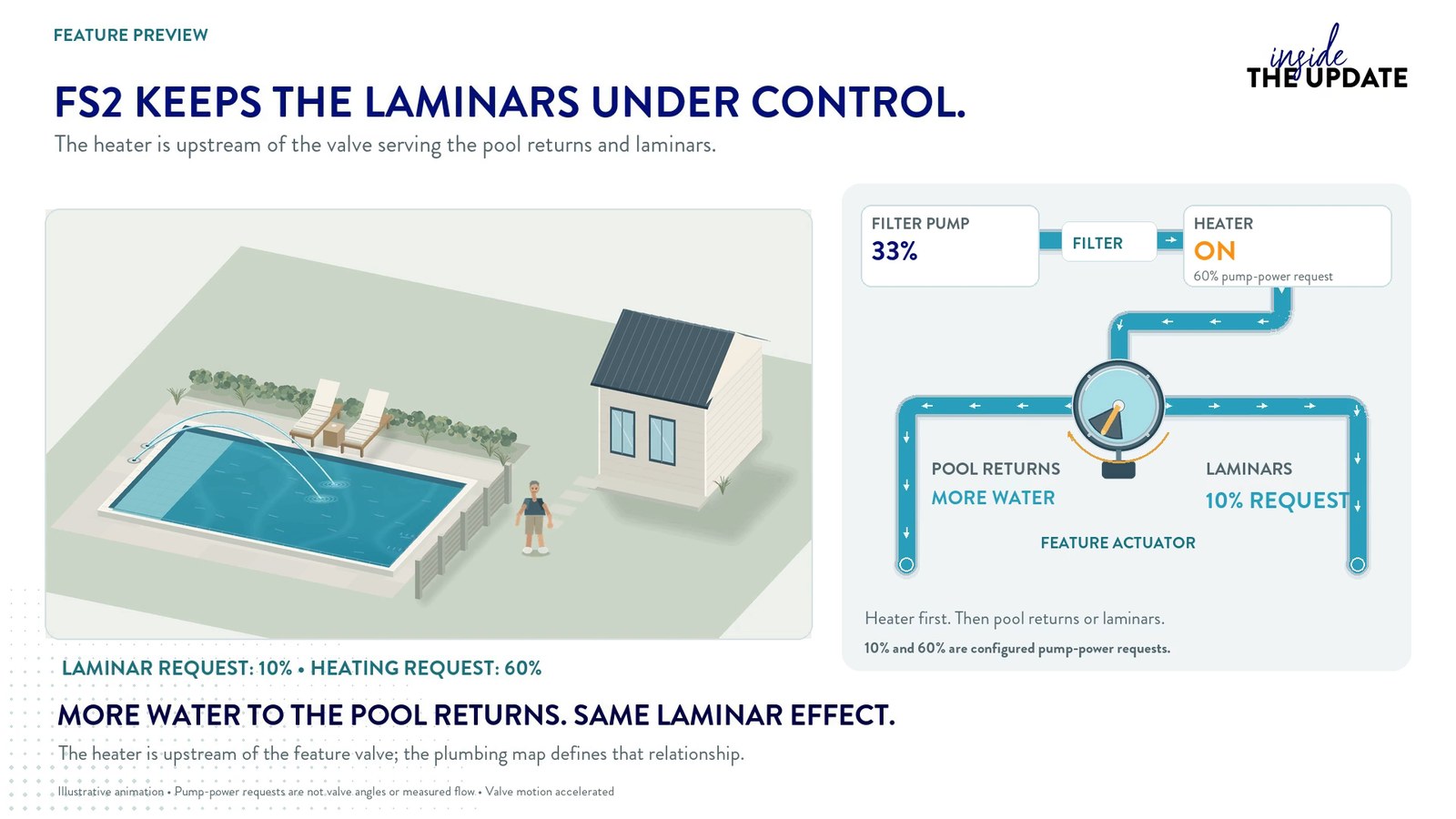
How does Flow Service 2.0 work?
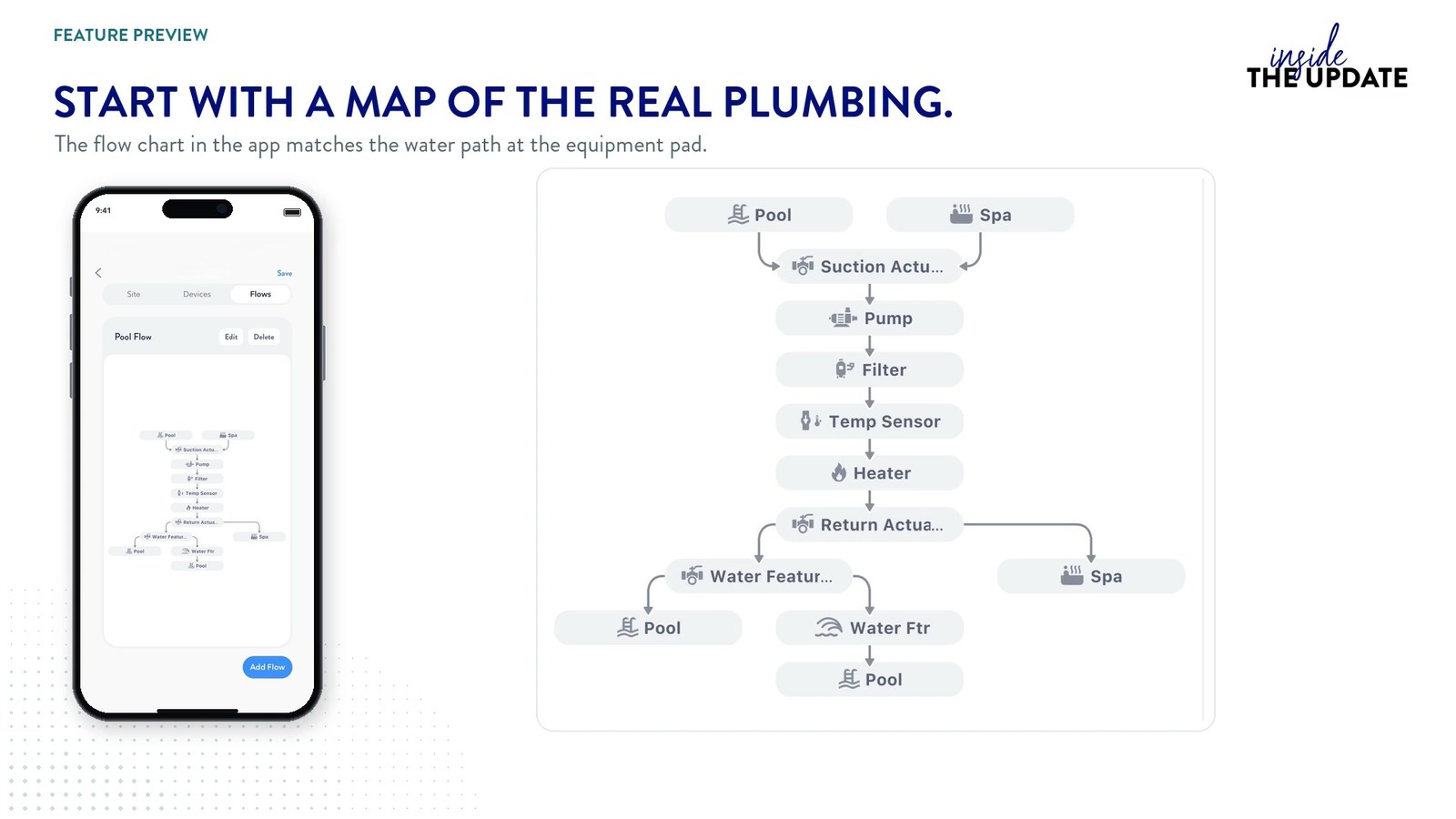
During setup, your installer maps out how the equipment pad is plumbed in the Poolside Attendant app. With that map, The Attendant knows which features share a pump and which valves feed each one. Flow Service 2.0 uses it to adjust the pump speed and the valve positions together, in real time, as equipment turns on, turns off or changes settings.
In our latest episode of Inside the Update, David Jones walks through three real-world examples:
- A heater with a bypass, and why one fixed valve setting isn’t enough.
- Laminars sharing a pump with the heater, and what happens the moment the heat kicks on.
- A waterfall and bubblers on one pump, and how The Attendant balances the two.
He also shows how flow meters take it a step further, letting you set features in actual gallons per minute.
Included with The Attendant
As with all software updates and feature enhancements, Flow Service 2.0 is included with The Attendant. For setup details, visit our Knowledge Base, and follow Inside the Update on YouTube to catch every new feature as it lands.
Spread the word
Similar content




You’re only a stranger once
Sign up with your email address to receive news and updates from Poolside Tech.
